
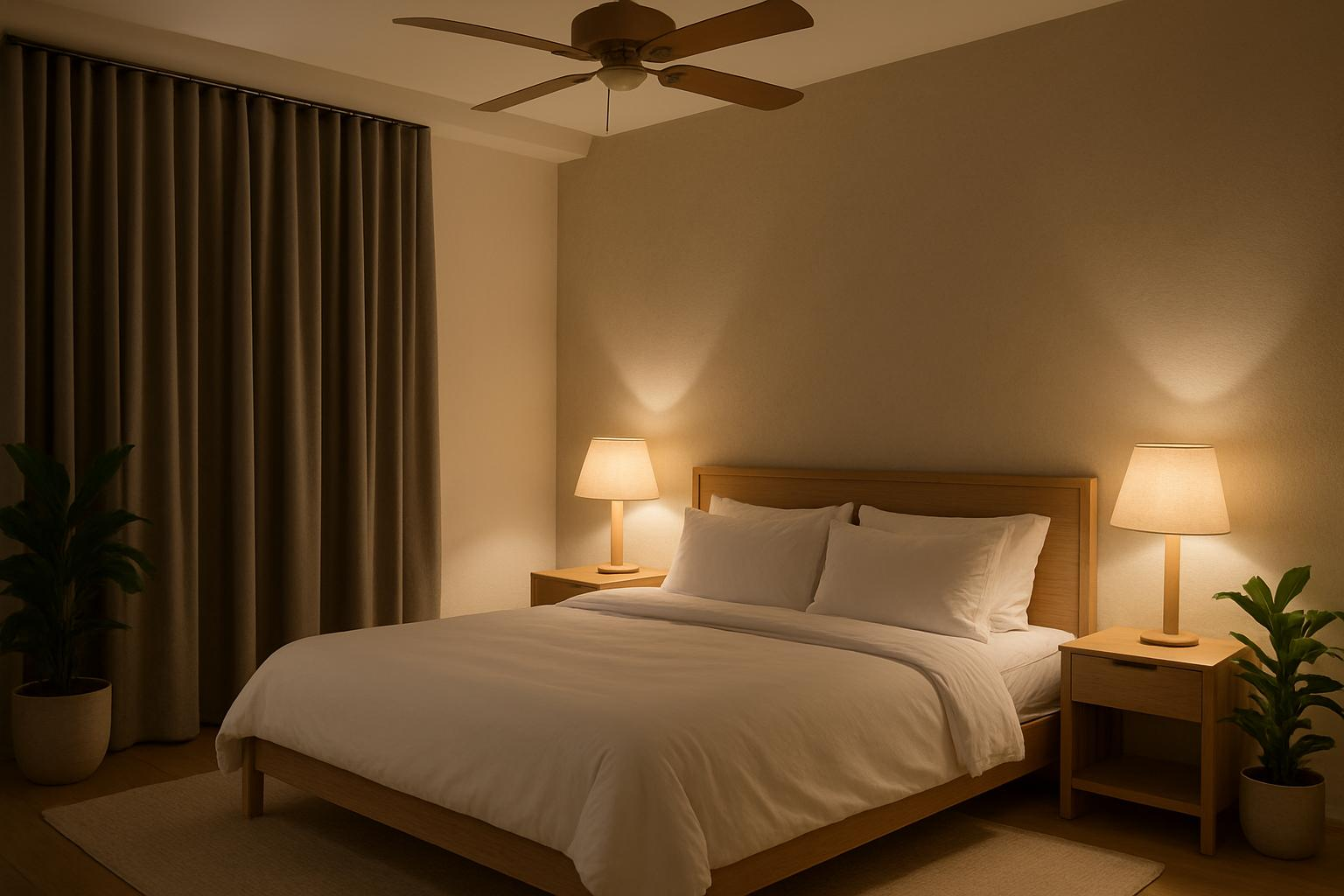
decoradtech home devices from decoratoradvice are the smart home devices that Decorator Advice recommends for ordinary homes: smart lighting, heating, security, voice control and kitchen gadgets that are easy to set up, reasonably priced and genuinely useful. This guide explains which devices are worth buying, how to plan them room by room, and how to avoid the compatibility and privacy traps that catch out first-time buyers.
A smart home is not about filling every room with gadgets. It is about choosing a few devices that solve real problems: lights that switch themselves off, heating that warms only the rooms you use, a doorbell that shows you who is outside, and a speaker that plays music or sets a timer with a word. The best smart home grows slowly, one useful device at a time.
In this guide you will find the newest advice on decoradtech home devices from decoratoradvice, from the best first device to a full room-by-room plan. There are comparison tables, a budget checklist and a FAQ section that answers the questions readers ask most about smart homes, including privacy, compatibility and cost.
What Are Decoradtech Home Devices from Decorator Advice?
Decoradtech is Decorator Advice’s name for smart home technology: the connected devices that make a home easier, safer and cheaper to run. A device counts as a Decoradtech home device when it connects to your Wi-Fi, can be controlled from a phone or by voice, and does a job a normal device cannot do on its own, such as switching lights off when a room is empty or heating a room before you get home.
The full Decoradtech guide, decoradtech smart home ideas by decoratoradvice, covers the whole topic in depth, with room-by-room ideas and the best first devices. This article focuses on the devices themselves: what each one does, what it costs, what to check before you buy, and which ones are worth the money for an ordinary home.
Decorator Advice writes for readers, not for engineers. Every device in this guide is judged the same way: is it easy to install, does it work reliably, does it save time or money, and will it still be supported in a few years? If a device fails any of those tests, it does not make the list, however clever it looks.
Why Smart Home Devices Are Worth It
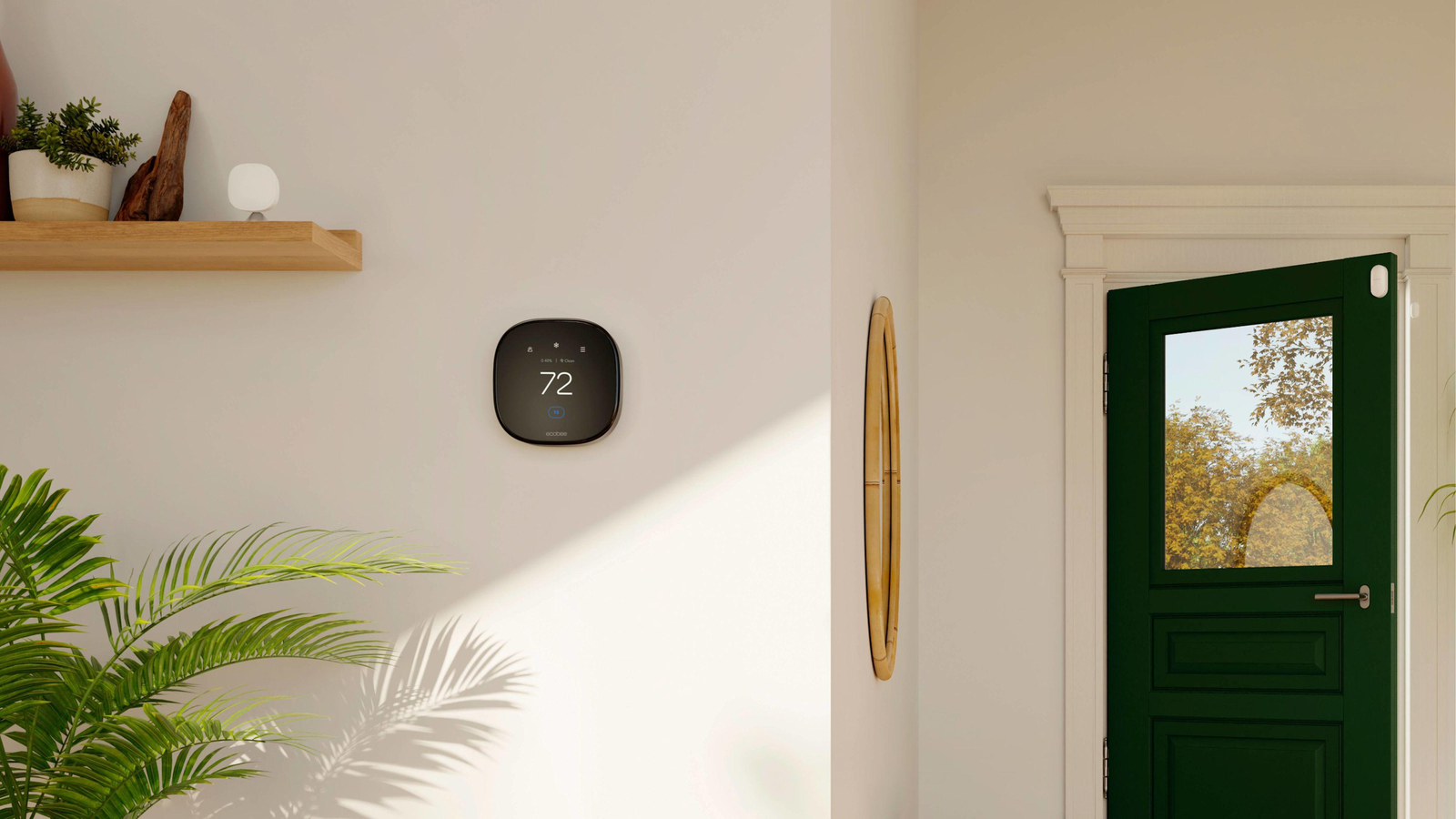
Smart home devices earn their place by doing three things well: they save time, they save energy, and they make a home safer. A smart thermostat saves energy by heating rooms only when they are used. Smart bulbs save time by switching off when you leave. A video doorbell and smart lock make a home safer by showing you who is at the door and letting you lock up from anywhere.
The savings are real but they add up slowly. One smart bulb will not change your electricity bill, but a house full of LED smart bulbs on schedules, plus a thermostat that learns your routine, plus smart plugs that cut standby power, can cut a noticeable amount from a yearly bill. The comfort is immediate, though: walking into a warm, well-lit home on a dark evening is a pleasure you notice every day.
Here are the benefits readers ask about most:
- Comfort: lights, heating and music adjust themselves to your routine.
- Energy saving: heating and lighting run only when rooms are used.
- Security: cameras, doorbells and locks show and record what happens at your door.
- Accessibility: voice control helps anyone who finds switches or screens difficult.
- Control from anywhere: check and change your home from your phone, at home or away.
The key is to buy devices for problems you actually have. If you never forget to switch lights off, smart bulbs will not help you much. If you always come home to a cold house, a smart thermostat will change your evenings. Start with your biggest annoyance and buy the device that fixes it.
Smart Lighting: The Best First Device
Smart lighting is the best first smart home device for almost everyone, and decoradtech home devices from decoratoradvice always start here. Smart bulbs fit the same sockets as ordinary bulbs, they need no wiring, and they change how a room feels in the evening: warm and dim for relaxing, bright and white for reading or working, and even coloured for a party or a film night.
There are two kinds of smart lighting. Smart bulbs replace the bulb and are the easiest option: screw them in, connect them to the app, and you can dim them, change their colour and set schedules. Smart switches replace the wall switch and control the whole circuit, which is better when several bulbs share one switch, but they usually need basic wiring skills or an electrician.
Start with the rooms you use most in the evening, the living room and the bedroom, and add one or two bulbs to each. Set a schedule so the lights come on at dusk and dim before bedtime. Once you have lived with smart lighting for a month, you will know whether you want more of it, or whether your money is better spent on heating or security instead.
| Lighting option | Best for | Typical cost | Needs a hub? |
|---|---|---|---|
| Smart bulb (white) | Bedrooms, hallways, simple dimming | Low | Usually no |
| Smart bulb (colour) | Living rooms, mood lighting | Medium | Usually no |
| Smart switch | Rooms with several bulbs on one switch | Medium | Sometimes |
| Smart light strip | Under cabinets, behind TVs, shelves | Medium | Usually no |
| Smart plug with lamp | Existing lamps you already own | Low | Usually no |
A smart plug is a cheap way to test smart lighting without buying a single bulb: plug a normal lamp into it and the lamp becomes a smart lamp you can switch by app, voice or schedule. It is the lowest-risk way to try the idea, and the plug can later be reused for a fan, a coffee machine or Christmas lights.
Smart Heating and Thermostats
A smart thermostat is the smart home device that pays for itself most reliably. It learns when you are home, warms the house before you arrive, turns the heating down when you leave, and lets you control every room from your phone. In a cold climate, heating is the biggest energy cost in most homes, so even a small improvement in control saves real money.
Smart radiator valves take the idea further: one valve per radiator lets you heat the living room in the evening and the bedroom at night, instead of heating the whole house to the same temperature. In a home where rooms are used at different times, that control can cut heating waste dramatically, and it is much cheaper than replacing the boiler.
Before you buy, check two things. First, make sure the thermostat works with your boiler and heating system: most modern boilers are compatible, but some older systems need an adapter. Second, check that your Wi-Fi reaches the thermostat location. A thermostat that cannot reach the internet cannot learn your routine, so a strong Wi-Fi signal in the hallway matters as much as the device itself.
Smart Security: Doorbells, Cameras and Locks
Smart security is the third pillar of decoradtech home devices from decoratoradvice, after lighting and heating. A video doorbell shows you who is at the door, lets you speak to them from anywhere, and records visitors while you are out. For many homes, it is the single most reassuring smart device, because it answers the question “who was that?” even when nobody is home.
Outdoor and indoor cameras work the same way: they watch a room or a garden, send an alert to your phone when they see movement, and record a short clip you can check later. The latest cameras can tell a person apart from a passing cat, which cuts down on false alerts, and most now store clips in the cloud or on a local card.
Smart locks replace or add to your existing lock and let you open the door with a code, a phone or a fingerprint, so you never need to hide a key under a mat again. They are especially useful for families, because each person can have their own code, and you can change or remove a code in seconds. Before buying, check that the lock fits your door type, and keep a physical key as a backup: batteries and Wi-Fi can both fail, and a door you cannot open is worse than a door you cannot lock remotely.
Voice Control and Smart Speakers
A smart speaker is the voice of a smart home. It plays music, answers questions, sets timers, reads the news, and controls your lights, heating and plugs when you ask it to. Most homes need only one or two: one in the living room or kitchen, where everyone can use it, and perhaps one in the bedroom as an alarm clock.
Choose your speaker first if you have not already, because it decides which other devices will work best with it. The three main voice assistants each have their own ecosystem of compatible devices, and while many devices now work with more than one assistant, a few only work with one. Picking one assistant and sticking to it keeps everything simple, and it is the advice the Decoradtech smart home ideas guide gives for every new smart home.
Smart Kitchen and Laundry Devices
The kitchen is the next frontier for smart devices, but it is worth being choosy here. A smart speaker with a timer is more useful than a fridge with a screen, and a smart plug on a coffee machine is more useful than a connected kettle you still have to fill by hand. The devices that do best in kitchens are the ones that save time in the morning: coffee ready when you wake, a slow cooker you can start from work, or a washing machine that tells you when the cycle is done.
Smart washing machines and dryers are genuinely handy for busy households: they send a notification when a load finishes, so laundry does not sit damp for hours, and some can be started remotely. A smart smoke alarm and a water-leak sensor are also worth their small price: they alert your phone the moment they detect smoke or a leak, even when you are away, and a leak caught early can save thousands in repairs.
How to Plan a Smart Home Room by Room
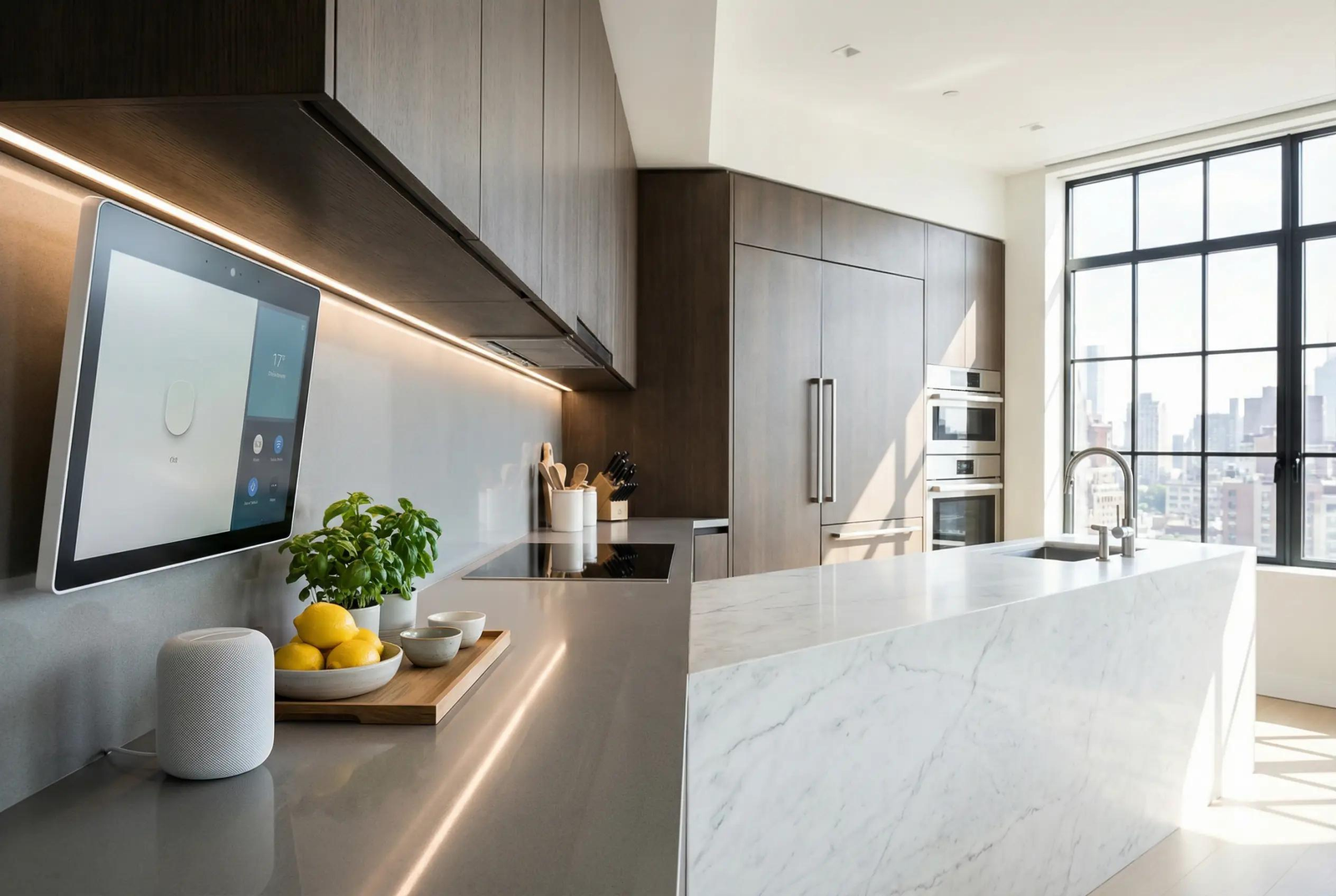
A room-by-room plan stops you from buying gadgets you do not need and from missing the ones you do. Walk through your home with a notepad and ask, in each room, what annoys you and what would help. The answers become your shopping list, in priority order, and the list stops you from buying a smart device just because it is on sale.
The living room usually comes first: lighting, a speaker and a smart plug for the TV or lamp. The hallway comes next, because a video doorbell and a smart lock protect the whole house. The bedroom follows with lighting and a smart alarm. The kitchen benefits from a speaker timer and a leak sensor under the sink, and the garden from a smart camera and a watering timer.
- Walk through every room and note one problem a smart device could fix.
- Rank the problems by how much they bother you every day.
- Buy the top three devices first and live with them for a month.
- Add the next device only when the first three are working well together.
- Write down the Wi-Fi passwords and device accounts in one safe place.
| Room | First smart device | Why it helps |
|---|---|---|
| Living room | Smart bulbs and a speaker | Evening comfort, music and voice control |
| Hallway | Video doorbell and smart lock | See visitors and lock up from anywhere |
| Bedroom | Smart bulb and smart alarm | Gentle waking and lights that dim at bedtime |
| Kitchen | Smart speaker and leak sensor | Timers, music and early leak alerts |
| Home office | Smart plug and daylight lamp | Cut standby power and improve working light |
| Garden | Smart camera and watering timer | Security and plants that water themselves |
Smart Home Compatibility: What Works Together
Compatibility is the least exciting part of a smart home and the most important. A device that does not work with your voice assistant or your phone will sit unused in a drawer, whatever it cost. Before you buy, check the box or the product page for the words “Works with” and the name of your assistant, and check that the device uses the same app ecosystem as the devices you already own.
Most new devices use one of three connection types: Wi-Fi, Bluetooth or a low-power mesh such as Zigbee or Thread. Wi-Fi devices connect directly to your router and are the simplest for beginners. Zigbee and Thread devices usually need a small hub, but they use less power and can work together more reliably in a large home. A Matter-compatible device should work with most major assistants, which is good news for anyone who wants to mix brands.
The simplest rule is also the best: choose one voice assistant and one app family, and buy devices that work with both. If a device you want does not work with your assistant, skip it and find one that does. A smart home with five compatible devices you actually use beats a house full of clever gadgets that refuse to talk to each other. The Decoradtech smart home ideas guide explains the main ecosystems in detail if you want to compare them before choosing.
Privacy and Security for Smart Devices
Smart devices collect data, and a responsible guide cannot skip that fact. Cameras and speakers with microphones hear and record things, and that data often passes through a company’s servers. The right response is not fear, but a few simple habits: use strong, unique passwords for every device account, turn on two-factor authentication where it is offered, and keep the device software updated.
Placement matters as much as passwords. Put cameras where they watch doors and gardens, not bedrooms and bathrooms. Mute the speaker’s microphone when you do not need it, and check the app settings to see what is being recorded and stored. Most apps let you delete recordings and turn off cloud storage, so you can keep the convenience without keeping a permanent record of your home life.
- Use a strong, unique password for every smart home account.
- Turn on two-factor authentication wherever it is available.
- Install software updates promptly: they often fix security holes.
- Put cameras in entrances, not in private rooms.
- Check what is recorded and stored, and delete clips you do not need.
- Use a separate, strong Wi-Fi password for your home network.
Budget-Friendly Smart Home Ideas
A smart home does not need a big budget. The cheapest useful devices are smart plugs, which cost less than a takeaway meal and can make any lamp, fan or coffee machine smart. A pack of two or three smart bulbs is the next best value, followed by a basic smart speaker, which usually goes on sale several times a year.
The trick is to buy one device, live with it, and only then buy the next. A smart home built one device at a time costs less than a smart home bought in one expensive bundle, because you only pay for devices you know you will use. Sales and bundle deals can help, but only if every device in the bundle is one you actually wanted.
Second-hand and refurbished devices are worth considering for plugs and bulbs, which have no moving parts and rarely fail. For security devices such as cameras and locks, buy new: you want the latest security updates and a clean account history. For more budget home ideas, the Decoradhouse upgrade tips guide lists room-by-room upgrades starting with the cheapest.
Common Smart Home Mistakes to Avoid
The most common smart home mistake is buying too much, too fast. A box full of gadgets feels exciting, but ten devices from five brands usually means ten apps, ten accounts and ten things that can go wrong. Start with one device from one brand family, learn the app, and add the second device only when the first works well.
The second mistake is ignoring the Wi-Fi. Smart devices are only as reliable as the network they use, and a weak signal in a back bedroom or a garden room will make even a good device look broken. Before you buy, walk through your home with your phone and check the Wi-Fi signal in every room where a smart device will live. A cheap Wi-Fi extender can fix a dead spot for less than the cost of one device.
- Buying many devices at once from different brands.
- Ignoring weak Wi-Fi in the rooms where devices will live.
- Choosing devices that do not work with your voice assistant.
- Forgetting to check that a lock or thermostat fits your home.
- Skipping software updates and security settings.
- Buying a device for a problem you do not actually have.
If you avoid these six mistakes, your smart home will be simpler, cheaper and far more reliable. The Decorator Advice guide has more general home advice, and the Decorator Advice home page gathers the newest decorating, renovation, garden and smart home guides in one place.
Smart Home Devices Compared
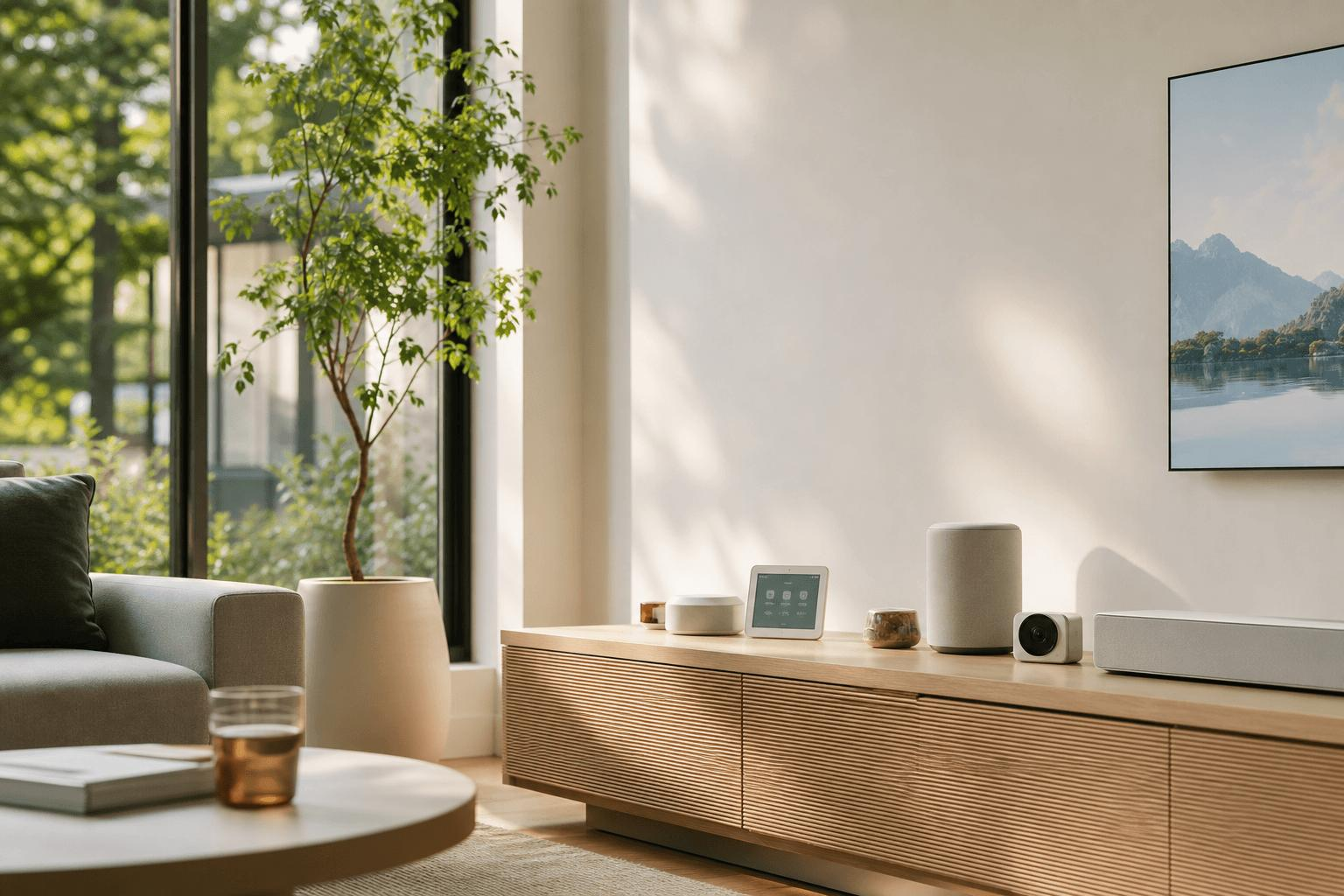
The table below compares the main decoradtech home devices from decoratoradvice at a glance, so you can see which devices are worth buying first and which can wait.
| Device | What it does | Difficulty | Buy it |
|---|---|---|---|
| Smart bulb | Dims and changes colour by app or voice | Easy | First |
| Smart plug | Makes any lamp or appliance smart | Easy | First |
| Smart speaker | Voice control, music, timers and news | Easy | First |
| Smart thermostat | Learns your heating routine and saves energy | Medium | Second |
| Video doorbell | Shows and records who is at the door | Medium | Second |
| Smart camera | Watches a room or garden and alerts your phone | Easy | Second |
| Smart lock | Opens the door with a code or phone | Medium | Later |
| Smart radiator valve | Heats each room on its own schedule | Easy | Later |
Buy the easy wins first, bulbs, plugs and a speaker, and you will learn what a smart home feels like for a small amount of money. Once those work, the medium devices such as thermostats and doorbells are the natural next step, and locks and radiator valves can follow when your home and your confidence are ready.
More Ideas from Decorator Advice
Smart devices are only one part of a good home. The guides below go deeper into decorating, renovation, gardens and the rest of the Decorator Advice library, and each one follows the same practical style as this article: clear steps, honest costs and ideas that work in real homes.
| Guide | What it covers |
|---|---|
| decoradtech smart home ideas by decoratoradvice | Smart lighting, heating, security and voice control |
| decorator advice.com | An introduction to Decorator Advice and everything it covers |
| about us decoratoradvice.com | Who runs Decorator Advice and how its guides are made |
| decoration tips decoradhouse from decoratoradvice | Planning, colour, light and furnishing for every room |
| decoradhouse renovation tips from decoratoradvice | Planning, budgeting and carrying out a renovation |
| decoradhouse upgrade tips by decoratoradvice | Room-by-room upgrades on a budget |
| decadgarden yard tips by decoratoradvice | Soil, lawns, beds and watering for a beautiful yard |
| partners decoratoradvice.com | Decorator Advice partners and trusted home brands |
If you want more inspiration beyond Decorator Advice, Houzz has millions of room photos and professional ideas, and Better Homes & Gardens publishes practical decorating and garden guides. Use them for ideas, then come back to Decorator Advice for the plain-language plan that turns an idea into a finished room.
Frequently Asked Questions
Readers ask the same questions about decoradtech home devices from decoratoradvice again and again. Here are the answers, in short.
What are decoradtech home devices from decoratoradvice?
Decoradtech home devices are the smart home devices recommended by Decorator Advice: smart lighting, heating, security, voice control and kitchen gadgets that are easy to set up, reasonably priced and useful in an ordinary home. The full guide is decoradtech smart home ideas by decoratoradvice.
What is the best first smart home device?
Smart lighting is the best first device for most people. Smart bulbs fit normal sockets, need no wiring, and change how a room feels in the evening. A smart plug is an even cheaper first step: it makes any lamp you already own smart for very little money.
Do smart home devices need a hub?
Most modern smart bulbs, plugs and speakers connect directly to Wi-Fi and do not need a hub. Some devices, such as those using Zigbee or Thread, do need a small hub, but a hub often comes with the first device or is built into a smart speaker, so check the box before you buy.
Are smart home devices safe and private?
They are safe when set up properly. Use strong, unique passwords, turn on two-factor authentication, keep software updated, and put cameras in entrances rather than private rooms. Most apps let you delete recordings and turn off cloud storage if you prefer to keep your data local.
How much does a smart home cost?
You can start for very little: a smart plug or a couple of smart bulbs cost less than a takeaway meal. A full smart home with lighting, a thermostat, a doorbell and a speaker costs a few hundred pounds or dollars, spread over time, and a smart thermostat is the device most likely to pay for itself through energy savings.
Will smart devices work with my Wi-Fi?
Most smart devices use your home Wi-Fi, so a reliable router is the foundation of a smart home. Check the signal strength in every room where a device will live before you buy, and add a Wi-Fi extender if a room has a weak signal.
Can renters use decoradtech home devices?
Yes. Most smart bulbs, plugs, speakers and cameras need no wiring and no permanent changes, so they are renter-friendly. Smart locks and smart switches may need a landlord’s permission, so check before you fit them, and choose devices you can take with you when you move.
Conclusion
decoradtech home devices from decoratoradvice are the smart home devices worth buying first: smart lighting, smart plugs, a smart speaker, a smart thermostat, and a video doorbell. Start with the problem that bothers you most, buy one compatible device, live with it for a month, and add the next one only when the first works well. A smart home built this way is cheaper, simpler and far more reliable than a house full of gadgets bought in one go.
Pick one device from this guide, check that it works with your voice assistant and your Wi-Fi, and start this weekend. A bulb that dims itself at bedtime or a thermostat that warms the house before you arrive can be the first step toward a home that works a little harder for you, every day.